One page - 4 min read
The Digital Accounts Log: One Page Between You and a Locked-Out Life
The average household holds 100 to 200 online accounts. Most people can name twelve. The rest live in password managers they do not trust, browser autofill they do not understand, or the silence after a reset email goes to an address they no longer check.
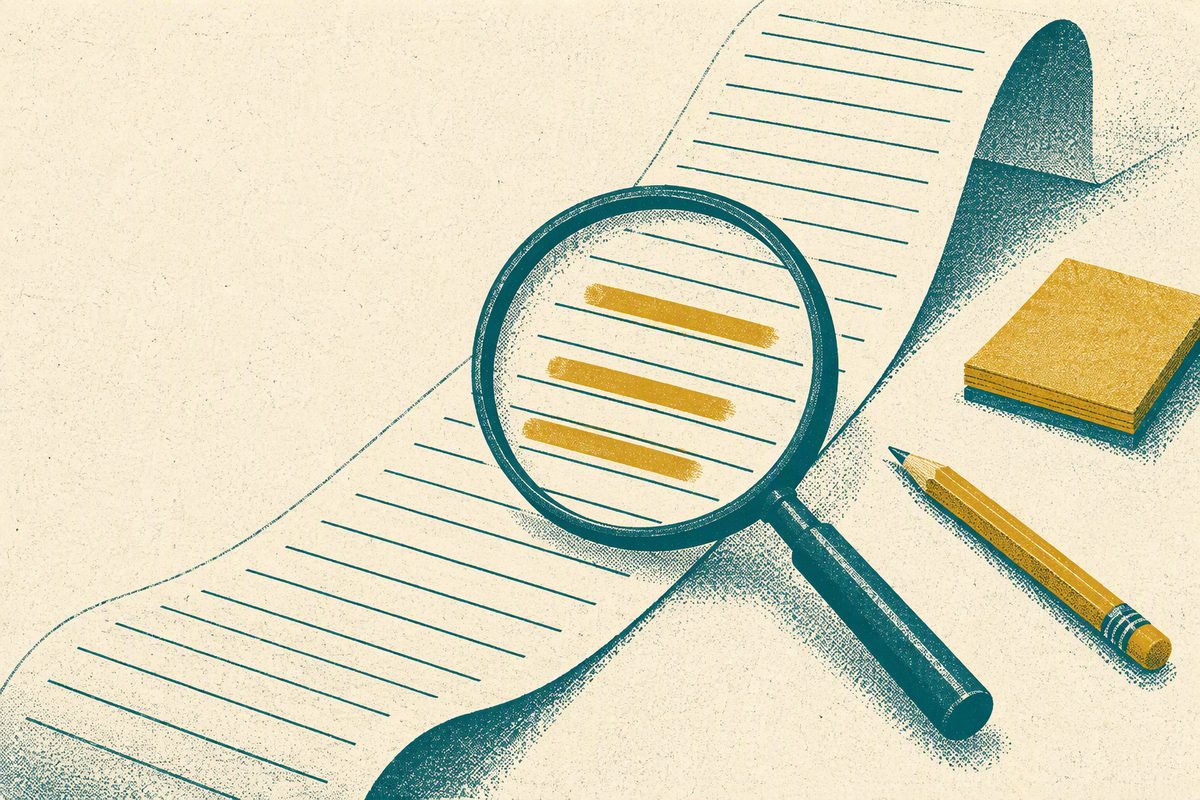
What the log actually is
A single sheet of paper - or a single page in a notebook - with one row per online account and four columns: the service name, the username or email you log in with, the recovery email attached to that account, and whether two-factor authentication is enabled. Nothing else. No passwords on the page, no security questions, no notes about what you bought there in 2019.
The log exists for one job: to answer the question "which email owns this account" when a password reset lands in the wrong inbox. Everything else - the password itself, the 2FA codes, the security questions - belongs in a password manager or, for people who do not trust one, in a locked drawer. The log is the map, not the keys.
Why a password manager is not enough
A password manager stores the credentials. It does not store the relationship between the account and the email address that owns it. When you forget which of three email addresses you used for a utility account in 2017, the password manager shows you the password but not the recovery path. When the bank sends a reset link to an old Comcast address you have not checked in six years, the password is correct and the account is still locked.
The second failure mode is the one nobody writes down. A password manager requires one master password. Lose that, and the manager is a locked box with no key. The log is the backup that does not depend on remembering a single phrase: it is a written list of which email owns which account, and it works even when the manager does not.
The forty-minute audit
Open a browser in private mode - not your normal window, because autofill will complete the work before you do it. Go to the login page of every service you can name in two minutes: email, bank, utility, phone, insurance, streaming, social media, shopping, cloud storage, government portals. Do not log in. Just write the service name in column one.
Now open your three most-used email inboxes and search for the word "welcome" or "verify" or "confirm your email." Every match is an account you created and forgot. Add each one to the list. A typical household found forty to sixty accounts in this pass; the record for a single audit in this project was 143.
For each row, write the username or email you believe you used, then open that email and search for the service name. If a reset email would land there, write "yes" in the recovery column. If you are not sure, write "unknown" and come back to it. The goal is not a perfect list on day one; it is a list that is more complete than what you had before.
The two-factor column
The last column asks one question: is 2FA enabled on this account? If you do not know, log in and check. Most services put the setting under Security or Account Settings. If 2FA is off, turn it on. The method does not matter - authenticator app, text message, backup codes - only that it is on.
Two accounts deserve priority above the rest. Your primary email address is the master key to every reset flow on the internet; if that account falls, every other account on the log can be reached through it. Your bank and brokerage accounts are the second priority, because a breach there is measured in dollars that move before you notice.
Where the log lives
On paper, in a drawer you open at least once a quarter. Not in a file on your desktop, because a desktop file is a password list with extra steps, and a password list in plaintext is the one thing this project refuses to build. Not in a note on your phone, because a phone is lost more often than a house.
The paper log is updated in ink. When you open a new account, add a row. When you close an account, cross it out and write the date. When you change the recovery email on an account, cross out the old email and write the new one beside it. The log is a living document, not a snapshot.
What the log does not do
It does not store passwords. It does not replace a password manager. It does not protect you from a data breach at the service. It does not answer security questions. It does one job - mapping accounts to recovery emails - and it does that job in forty minutes on a sheet of paper that cannot be hacked, cannot lose its master password, and cannot be locked out by a forgotten phrase.
The log is the thing you write down so the thing you cannot remember does not become the thing you cannot recover.
Want it already laid out? The 52-Week Savings Challenge printable is 78 undated pages: a weekly tracker you stack, four quarterly reviews, streak checks with a "what I skipped" prompt instead of a blank week, and milestone and finish-line pages built around a $2,600 target. $9.99, delivered to your inbox the moment it is bought.
See the printableRead next: the 20-minute bank statement audit and how to save a first $100, or all guides. General guidance, not personalised advice. Corrections go to info@88away.com.